> ## Documentation Index
> Fetch the complete documentation index at: https://aminiai.mintlify.site/llms.txt
> Use this file to discover all available pages before exploring further.
# Download Center
> How to use the Amini Lite Download Center to request for datapoints
export const currentRelease = {
versionNumber: 'Amini Lite v1.0',
releaseDate: 'September 20, 2024'
};
export const versioning = 'versioning';
The current release available from the Amini Data Platform is **{currentRelease.versionNumber}** released on **{currentRelease.releaseDate}**.
# Getting Started
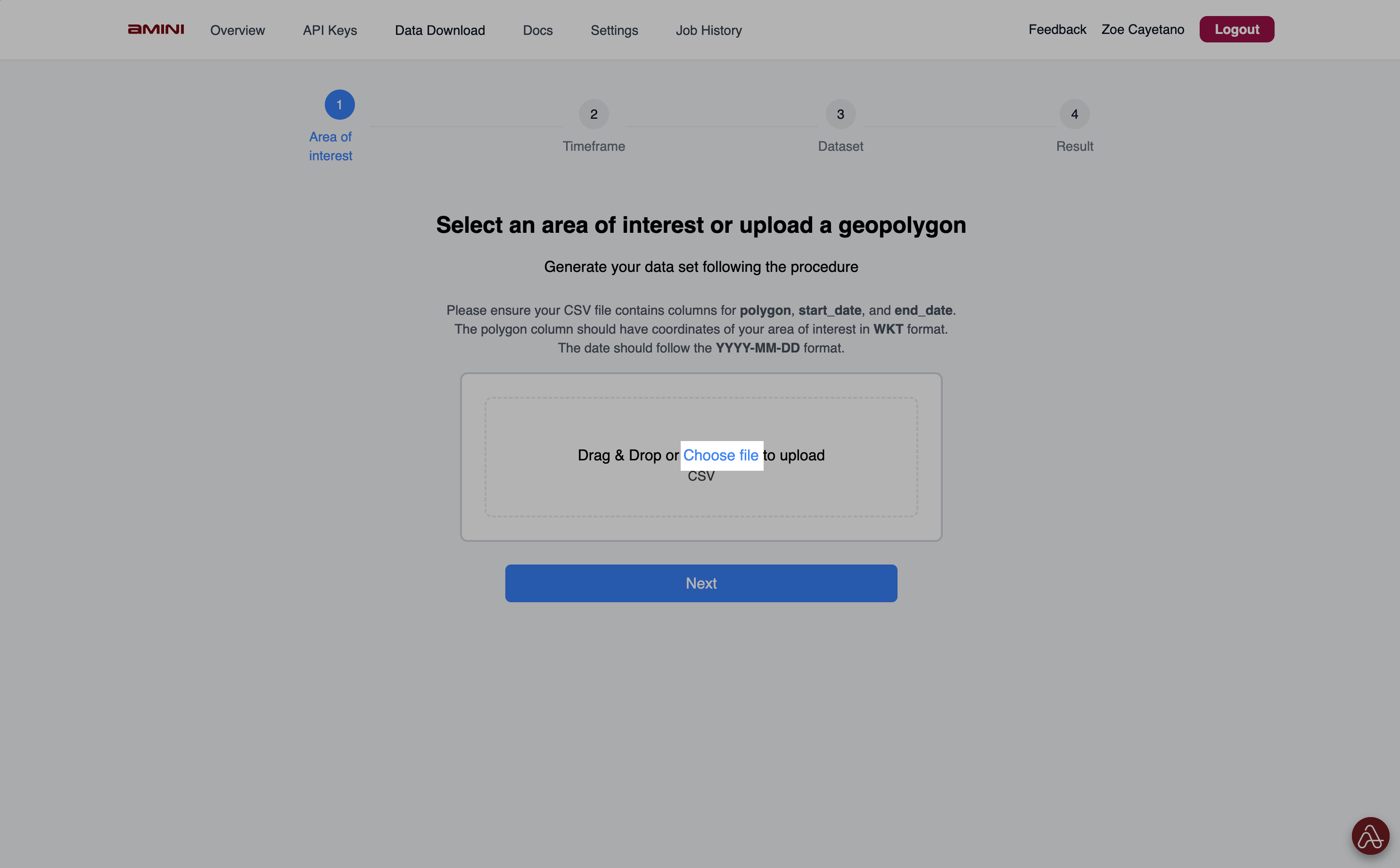
**Step 1:** Go to the [Download Center](https://lite.prd.amini.ai/protected/daas/data-catalog), and then choose a file to upload your geopolygons.
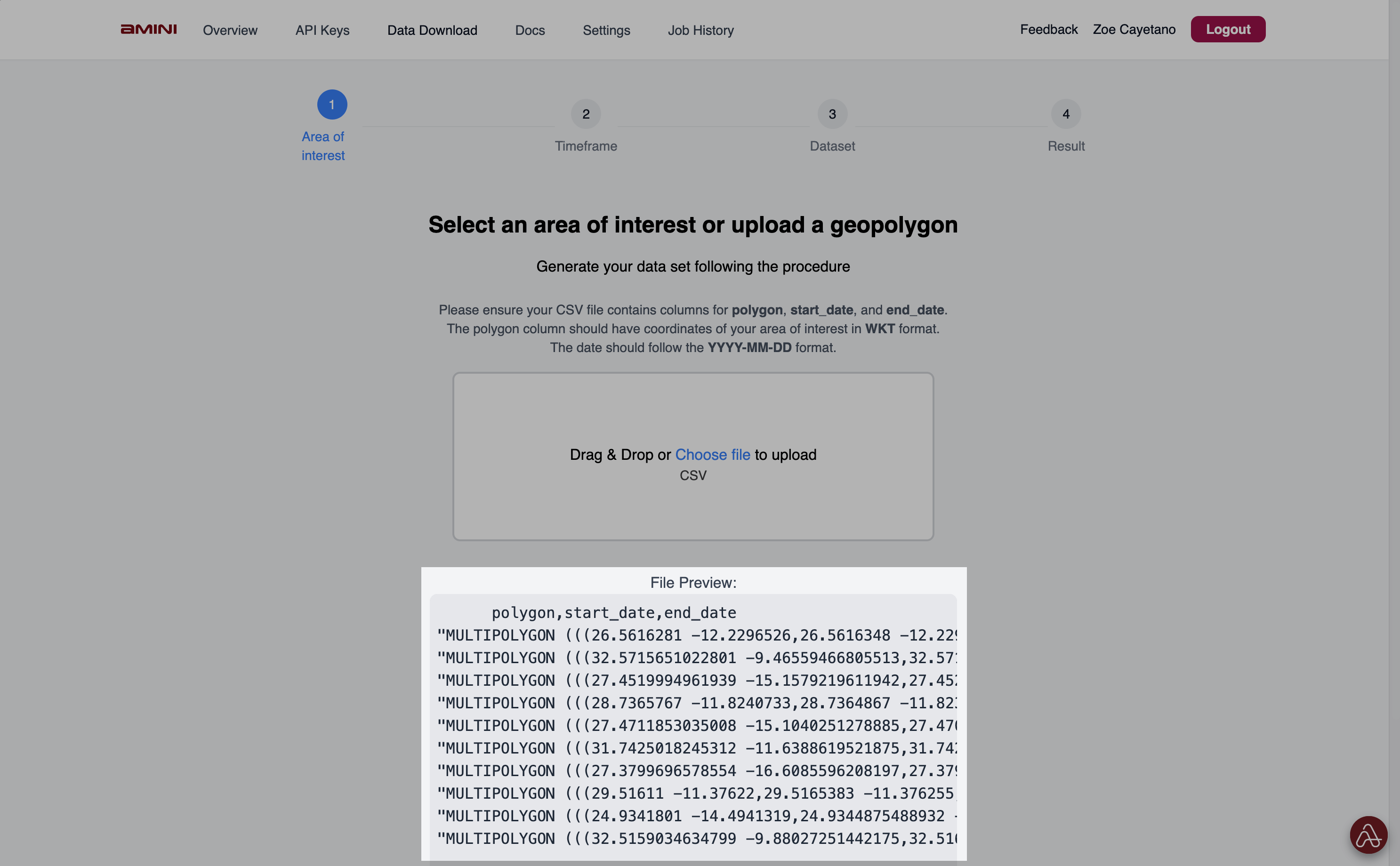
 **Step 2:** Check if the file preview shows the file you were expecting to upload.
— If your uploaded file includes a start and end date for the query, then the next screen goes straight to the parameter selection.
— If your uploaded file only contains geopolygons, then you'll be prompted to select the start and end dates for your query.
**Step 2:** Check if the file preview shows the file you were expecting to upload.
— If your uploaded file includes a start and end date for the query, then the next screen goes straight to the parameter selection.
— If your uploaded file only contains geopolygons, then you'll be prompted to select the start and end dates for your query.
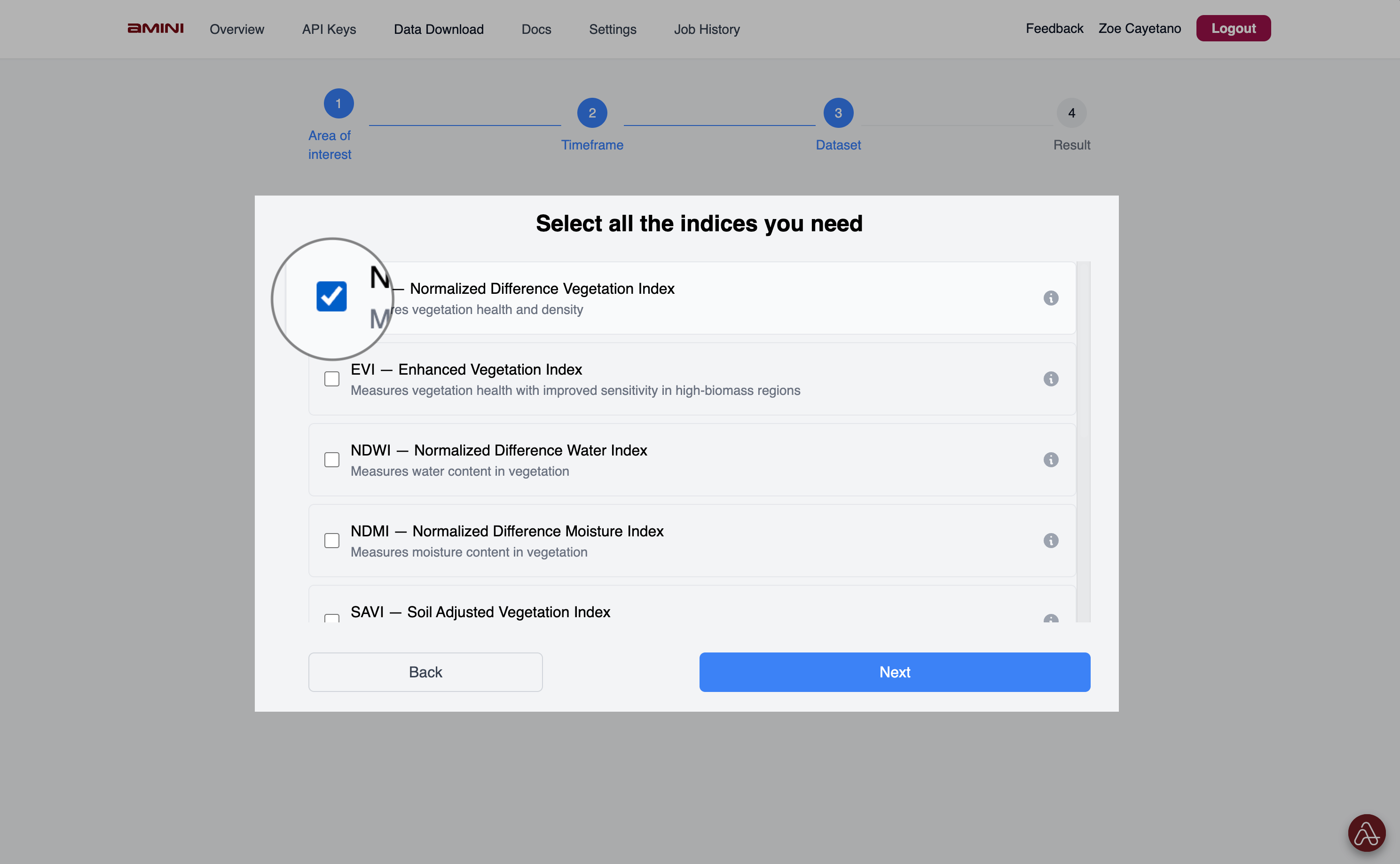
 **Step 3:** Select the indices (or paramters) you want to download for the geopolygons you uploaded.
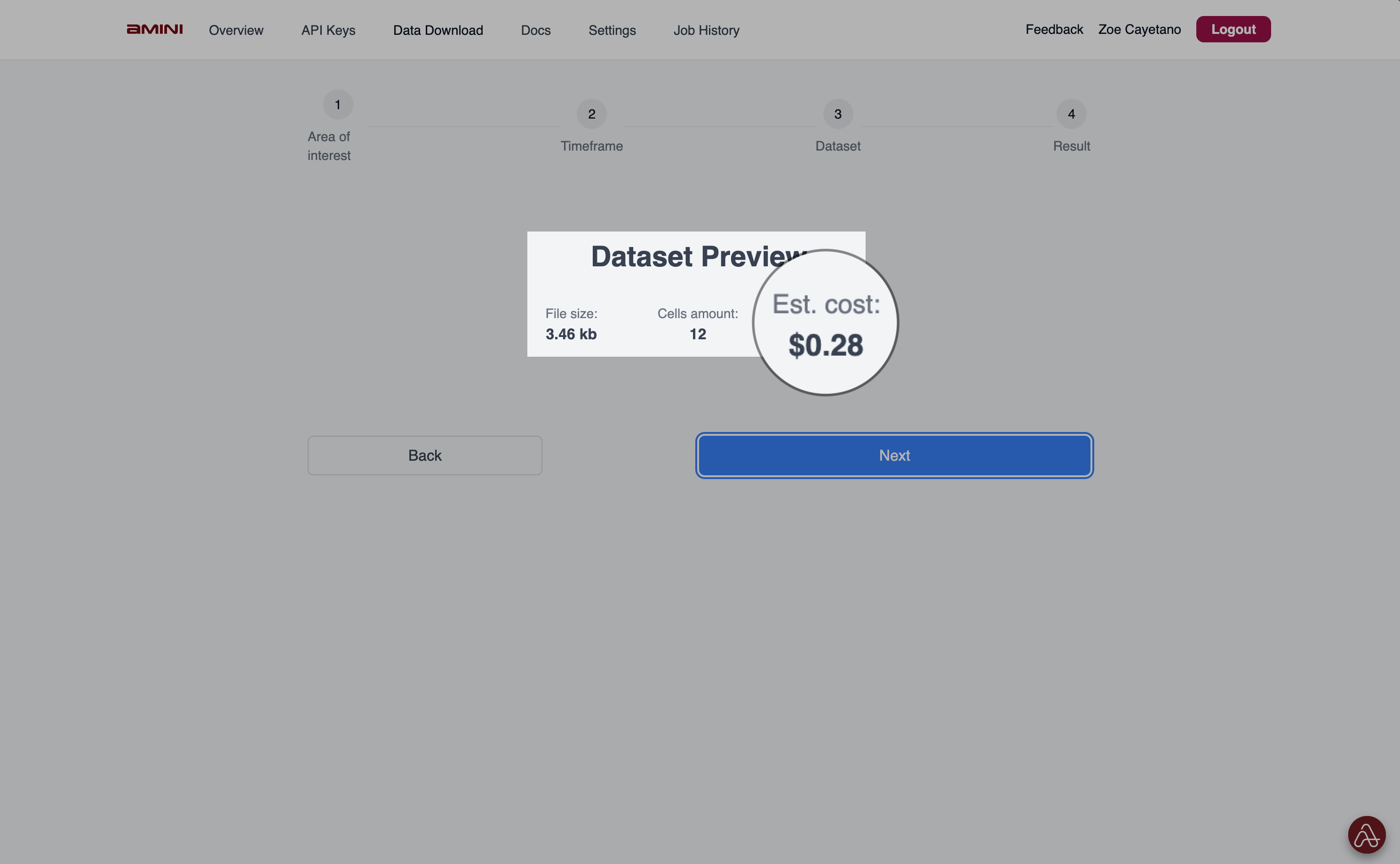
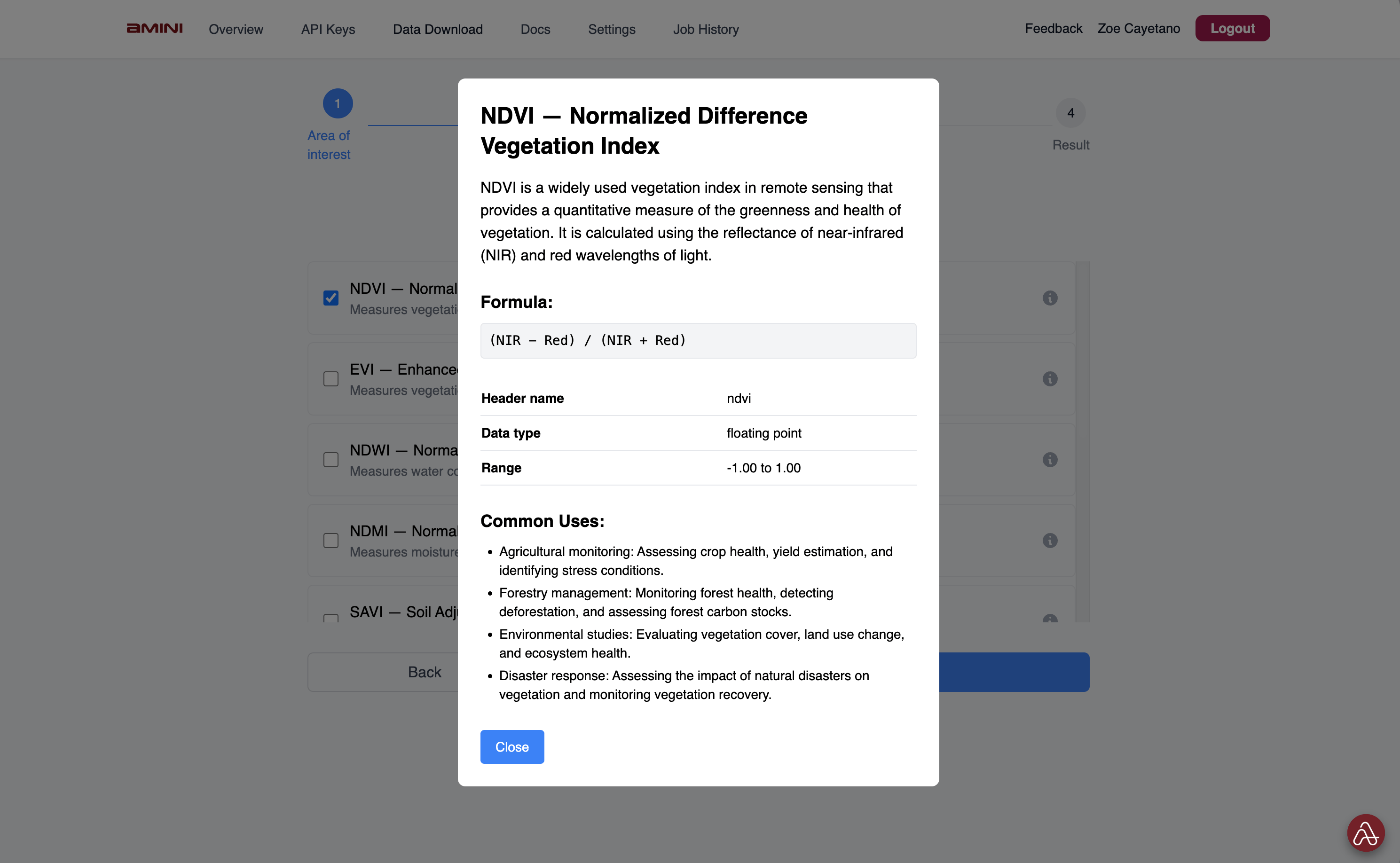 **Step 4:** Check the dataset preview and ensure that you have sufficient balance on your wallet for the computation cost of the dataset you're downloading.
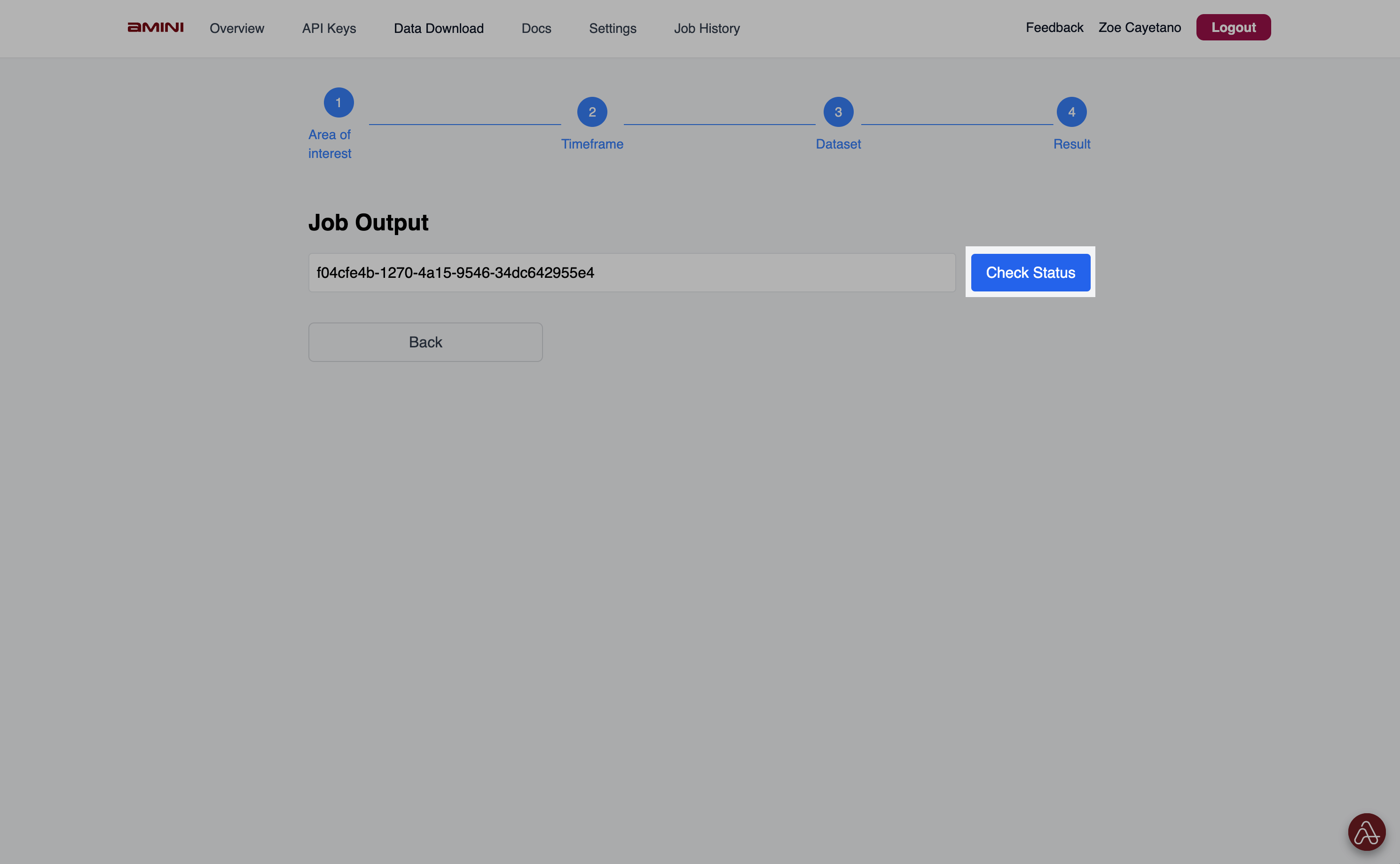
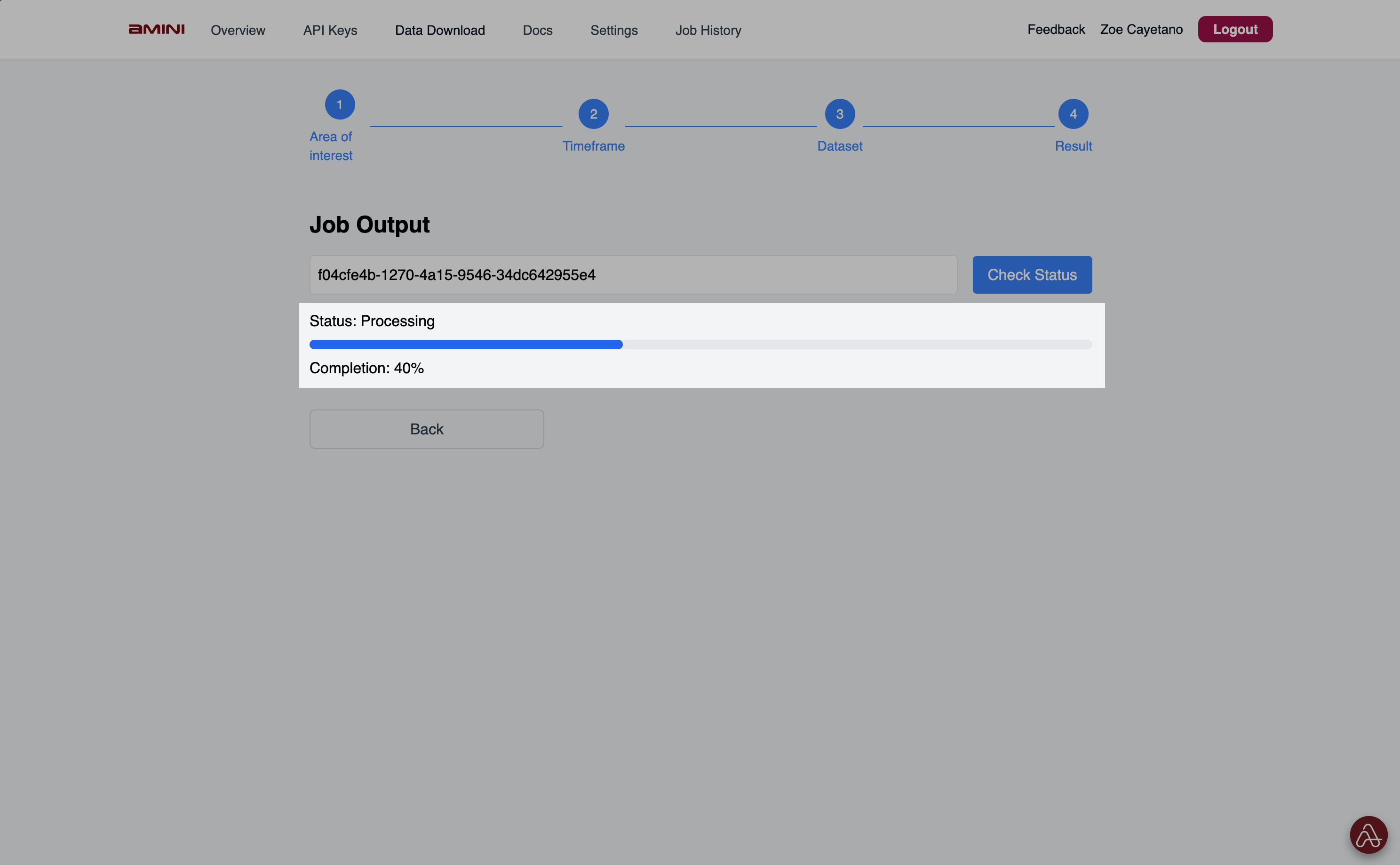
 **Step 5:** Then, the job will be submitted to Amini platform. You can click 'Check Status' to the completion rate.
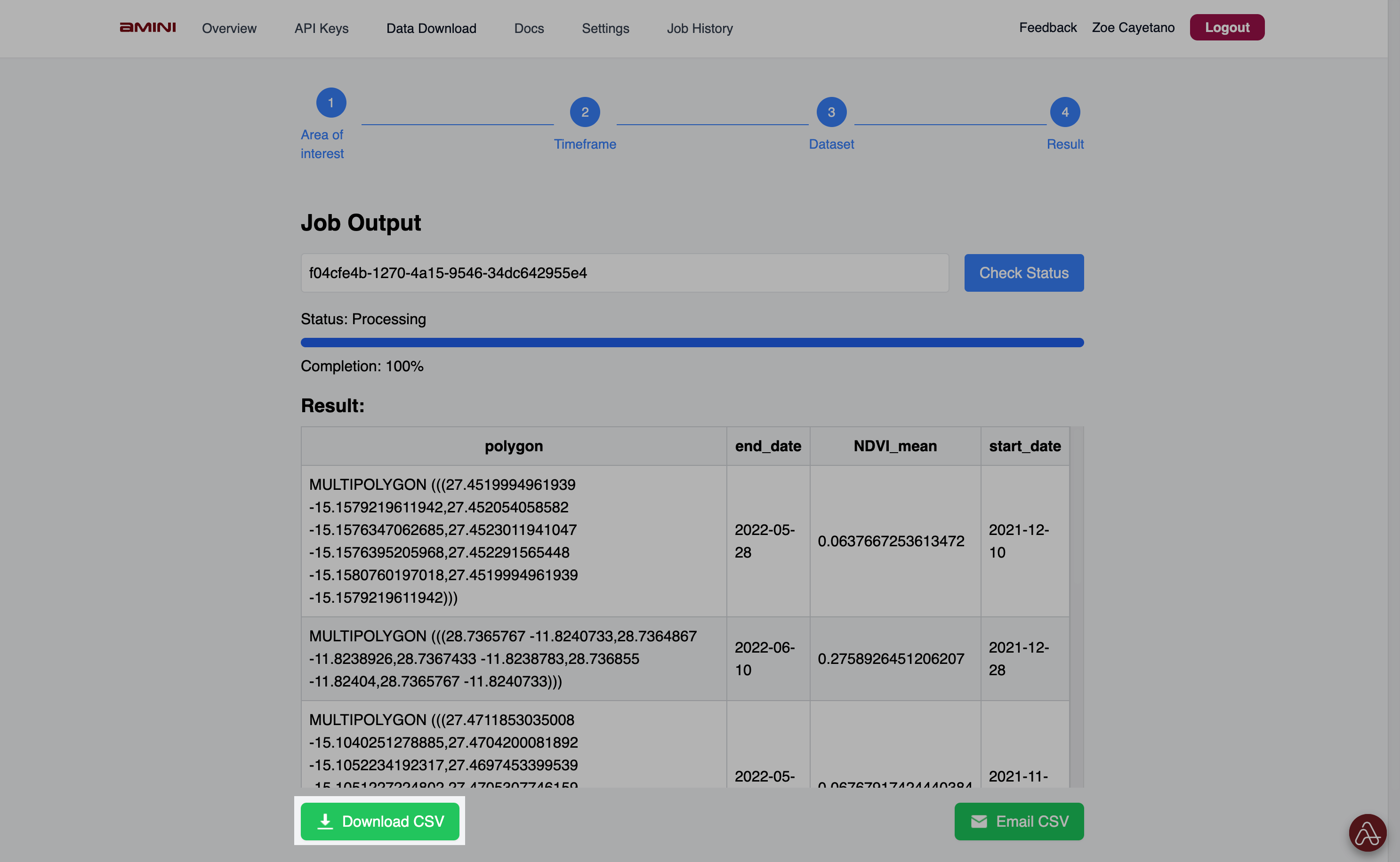
 **Step 6:** Click on 'Download CSV' to download your requested dataset.
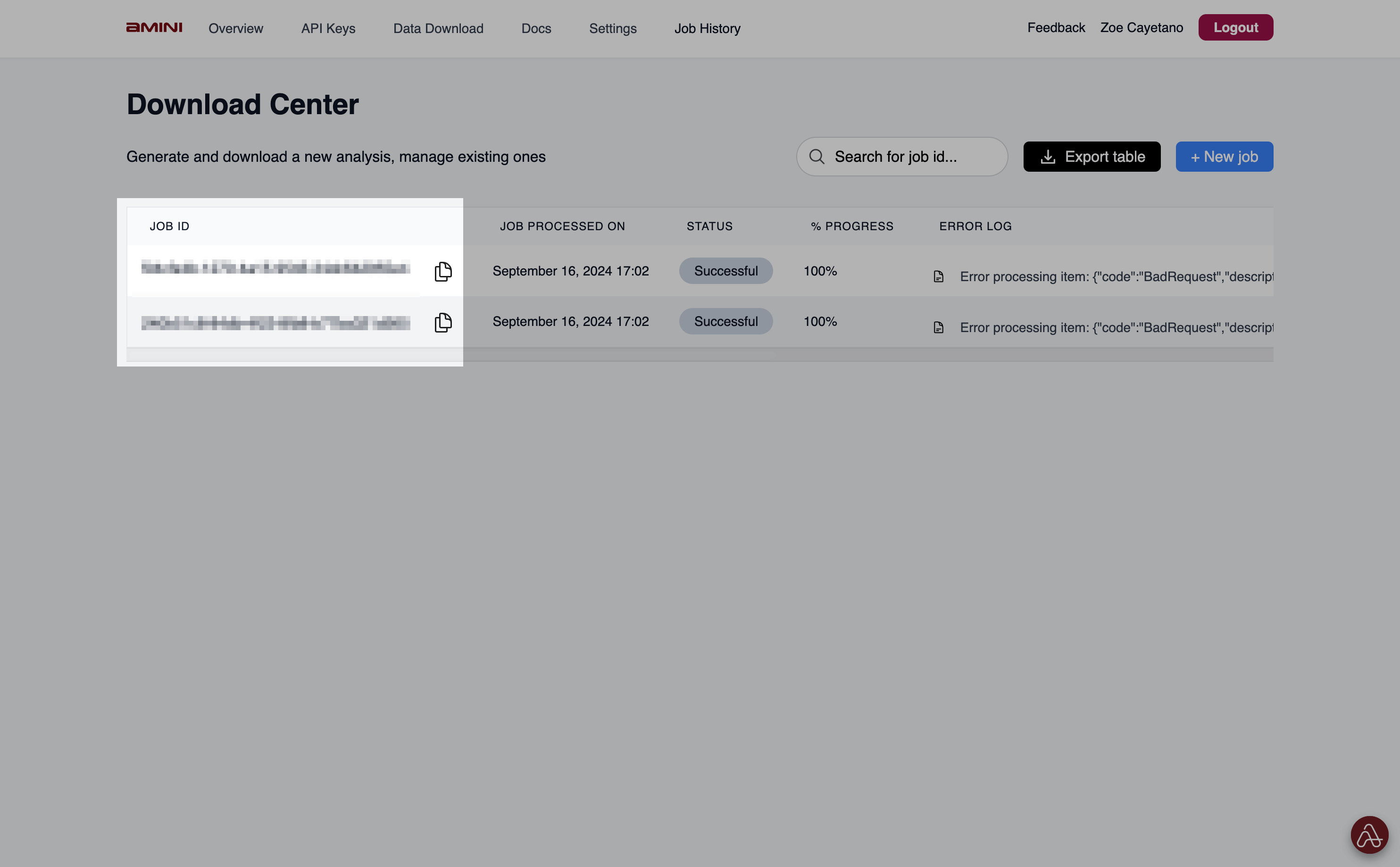 **Optional:** You can check the Job ID from your previous jobs to programatically re-run the query via the API endpoint or re-download the corresponding datasets.